Ditch the Paperwork! Generate Your EPFO UAN in Minutes with Face Authentication
Gone are the days of complex forms and lengthy waits for your Universal Account Number (UAN) from the Employees’ Provident Fund Organization (EPFO).
With the new EPFO UAN Generation Face Authentication process, you can create your UAN quickly and securely without visiting an office. EPFO has integrated Aadhaar-based face authentication directly into the UAN generation system via the UMANG App.
This upgrade isn’t just convenient — it’s a game-changer for millions of employees who need instant access to their PF accounts. Now, your smartphone and Aadhaar are all you need for a smooth, paperless, and hassle-free EPFO experience.
Table of Contents
Here’s your simple, step-by-step guide to generating your UAN using this tech:
1. Download the “UMANG App” & “Aadhaar Face RD App” from Google Play
Your journey starts right here on your smartphone. Head straight to the Google Play Store. You’ll need two essential apps:
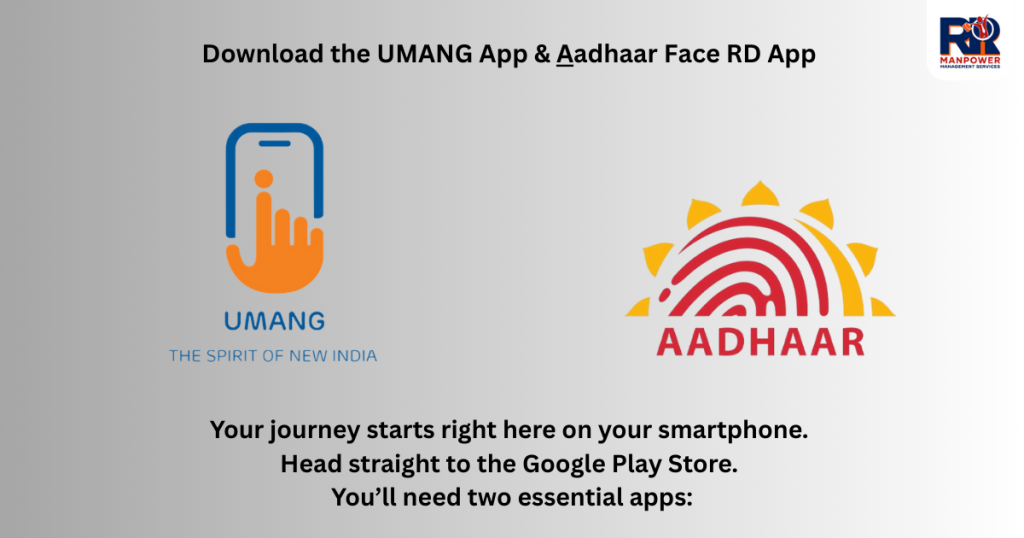
- The UMANG App: Your one-stop gateway for myriad government services.
- The Aadhaar Face RD App: This specialized app, developed by the Unique Identification Authority of India (UIDAI), powers the secure face authentication process. Don’t skip this one – it’s the engine behind the magic! Install both before proceeding.
2. Open the “UMANG App”
Fire up the UMANG App on your phone. If it’s your first time, a quick registration with your mobile number is needed. Existing users can simply log in.
3. Click on UAN Allotment & Activation
Navigate through the app’s services. Look specifically for the section related to EPFO or Employee Provident Fund. Within that, find and select the option labelled “UAN Allotment & Activation”. This is your entry point.
4. Add your Aadhaar Number & Mobile Number
The app will prompt you to enter two crucial pieces of information:
- Your 12-digit Aadhaar Number.
- The Mobile Number linked to that Aadhaar in UIDAI’s records. Accuracy is paramount here! Double-check these digits.
5. Click on Check Box and allow for the Aadhaar Validation
You’ll encounter a checkbox, likely accompanied by a consent statement regarding Aadhaar validation. Tick this box to authorize the EPFO system to verify your details against the Aadhaar database. This step is mandatory for the process to move forward.
6. If Aadhaar Number is linked with another UAN, you will receive the message
Here’s a crucial checkpoint. The system instantly checks if the Aadhaar number you provided is already associated with an existing UAN.
If it is, you’ll receive an on-screen message clearly stating this. In this case, you cannot generate a new UAN; you should use the existing one and focus on activating or retrieving it if needed.
Also Read This Blog 👉 Minimum Wages in Gujarat: A Comprehensive Guide for 2025
7. And if you don’t receive any message, you have to follow process of the Face Authentication
No existing UAN message? Fantastic! This means your Aadhaar isn’t linked to any UAN yet, and you’re clear to proceed. The app will seamlessly guide you towards the next, most exciting step: Face Authentication.
8. Scan your Face
This is where the cutting-edge tech shines. The system will initiate the face scan process. Ensure you are in good, even lighting. Position your face clearly within the on-screen frame as instructed.
The app (leveraging the Aadhaar Face RD service) will capture a live image. Keep your face steady and neutral, just like updating your Aadhaar photo. It’s quick and designed for security.
9. System will take the details from the database of your Aadhaar & Your UAN will be Generate
Once your face is successfully authenticated against the biometric data stored in the Aadhaar database, the magic happens.
The EPFO system automatically retrieves your verified KYC details (Name, Date of Birth, Gender, Photo) from Aadhaar. Using this validated information, it instantly generates your brand-new, unique Universal Account Number (UAN). No manual data entry errors, no delays!
10. Your UAN will be provide you by SMS on your Phone
Within moments of successful face authentication and UAN generation, expect an SMS delivered straight to the mobile number you provided. This SMS is golden – it contains your newly minted 12-digit UAN. Save this number securely; it’s your lifelong key to your EPF account.
11. This UAN Activate Automatically
Here’s the kicker: there’s no separate activation step! Your UAN is activated and ready to use the moment it’s generated and sent to you via SMS. No more waiting for activation links or follow-up procedures.
12. Your temporary password also will be provide you by SMS on your Phone
Alongside your UAN, a second SMS will arrive containing your temporary password. This password is essential for your first login to the EPFO member portal. Guard it like you would any sensitive information.
13. You can change your password after login with Member Portal of EPF
Security first! Once you have your UAN and temporary password, head to the official EPFO Member Portal (member.epfindia.gov.in). Log in using your UAN as the username and the temporary password.
Immediately navigate to the ‘Profile’ or ‘Settings’ section and change your temporary password to a strong, unique one of your choice. This secures your account for all future transactions and inquiries.
Embrace the Future of PF Management with RR Management
This face authentication feature exemplifies how EPFO is leveraging technology like Aadhaar to make essential services incredibly user-friendly and accessible.
Generating your UAN is now a matter of minutes, conducted securely from your phone, eliminating paperwork and potential errors.
At RR Management (rrmgt.in), we’re passionate about demystifying complex processes like EPF management for businesses and employees alike. We believe in harnessing such digital advancements to streamline payroll, compliance, and employee benefits.
Seeing the EPFO embrace innovation with features like face-authenticated UAN generation is exactly the kind of progress that empowers the workforce and simplifies HR management.
Need help navigating the EPF ecosystem or optimizing your company’s compliance? Explore the insights and solutions at rrmgt.in – we’re here to help you manage smarter.
So, forget the old methods! Grab your phone, download those apps, and let your face unlock your financial future with the EPFO. It’s secure, it’s swift, and it’s brilliantly simple.